
How to check your pick up online – a quick step-by-step guide.
There are two websites where you can check your pick up time. To determine which site you have to use, simply look at your transfer voucher and see if your booking/ticket starts with
1. 459- (example 459-123321123). If it does, go to https://checkpickup.com and enter your Last Name and your ticket/booking number:

If you have entered your booking and name correctly, you should see a screen with your ARRIVAL and DEPARTURE details. If you have a private transfer, your pick up has already been set at the time of booking creation and it won’t change:
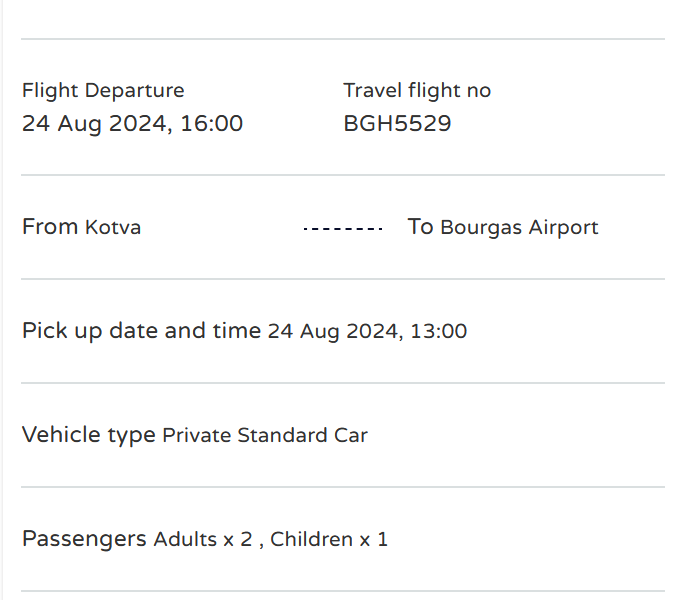
If you have a shuttle transfer, there are two options: the pick up time has been set and CONFIRMED:
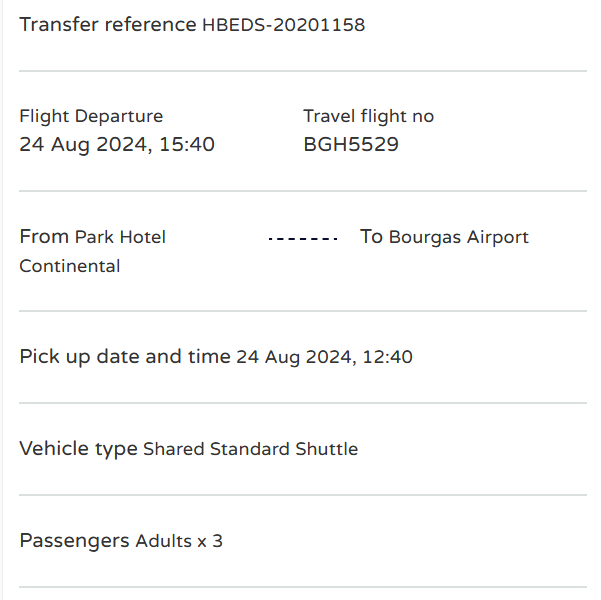
or the transfer pick up time has not been confirmed yet, at this point you will see a red warning that you need to check your pick up time 24h prior your flight time:
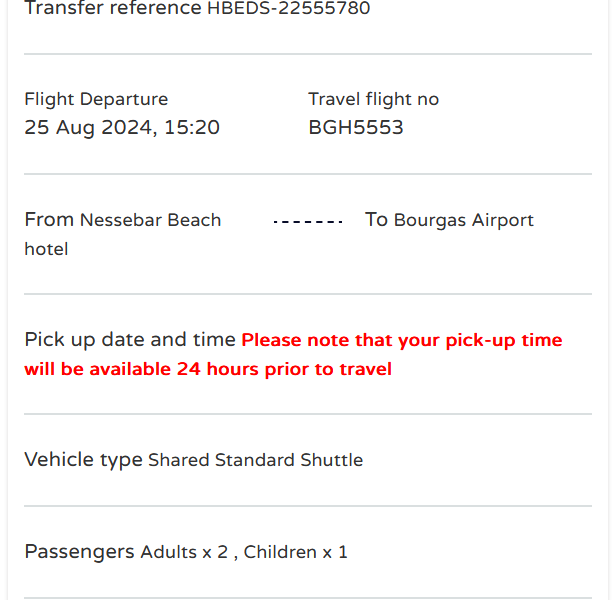
Please, do not mistake the “Booking status – Confirmed” at the bottom with a pick up time confirmation!
2. Any other combinations of letters and numbers – for example HTX-12309876 or HYE-111222333 or OTBT-9988774433 etc.
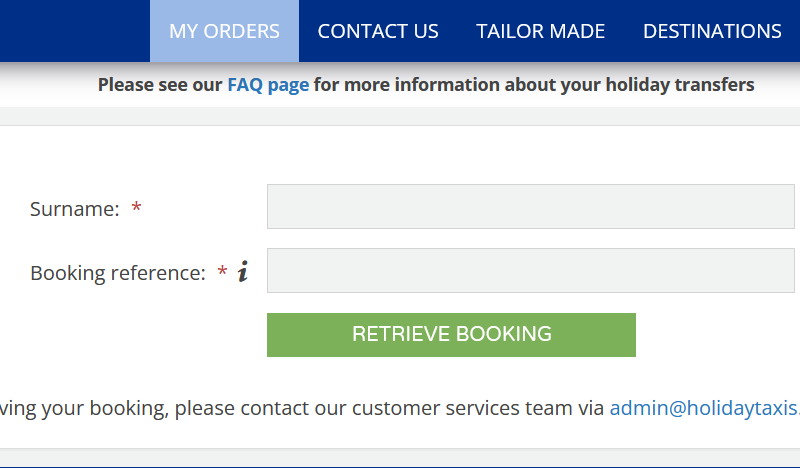
Go to https://www.holidaytaxis.com/en/getbooking/
Type your Last Name and Booking number/reference:
If you have a private transfer, your pick up time has been set at the moment of creation of the booking and will not change:
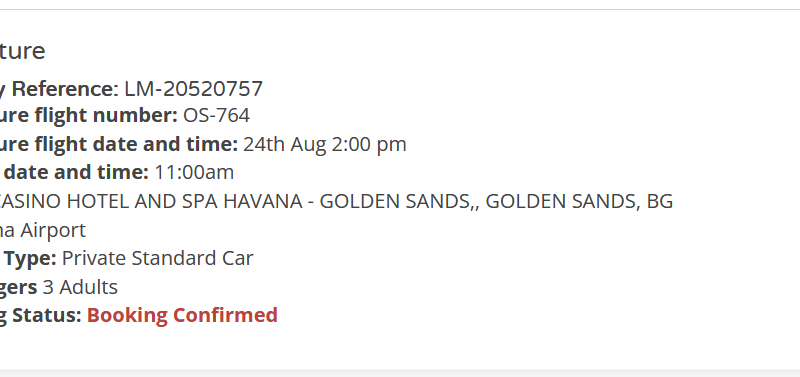
If you have a shuttle transfer, there are 2 options – if the pick up time is set and confirmed, you should be able to see it:
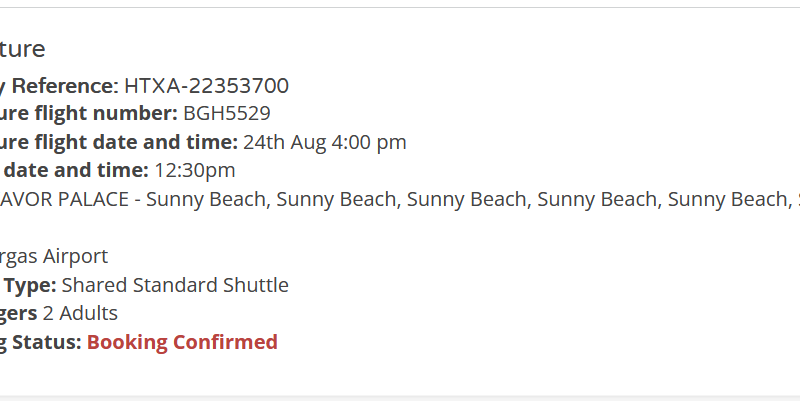
If the pick up time is NOT yet set and confirmed, you will see an error message or message that you have to check your pick up time 24h prior your flight.